Sep 3, 2026
How To Set Up a Legacy Video for Future Generations

A legacy video is a recorded interview or narrative that preserves your life stories, family history, values, and wisdom in a format future generations can see and hear decades from now. Unlike a written letter or a photo album, video captures your voice, your facial expressions, and the personality behind your words. Legacy videos are a tangible connection to the past. They allow grandchildren and great-grandchildren to hear and see a loved one again, even after that person is gone. Creating a legacy video is a powerful way to pass down stories and values, and it serves as a source of comfort during times of grief.
This article is a step-by-step guide to planning, filming, and safeguarding a legacy video so you can act on it this month, not someday. A legacy video also complements wills, trusts, and financial plans by giving the people who inherit your money a clear record of the person behind those decisions. At Third Act Retirement Planning, we often encourage clients; especially those managing sudden wealth or a new inheritance; to pair their financial legacy tools with a personal legacy video.
Clarifying Your Purpose and Vision for the Legacy Video
Defining the purpose and audience of the video shapes its content. Before you pick up a camera, answer two questions on paper: Who is this for? and What do I want them to take away?
Legacy videos capture stories, wisdom, and life lessons; but which stories and which lessons depend on your intent. Common goals include:
Preserving family history for children, grandchildren, and great-grandchildren who will be born after 2050
Sharing faith, values, and the meaning behind charitable giving or building a lasting family legacy
Explaining life decisions: why you sold the business, moved the family to a new country, or chose a particular career
Offering personal guidance and mentoring for future generations who will never meet you in person
Write a one-page purpose statement before filming. Include a target time horizon, such as: "I want my great-grandchildren born after 2060 to understand where our family came from and how to steward this inheritance." Planning is essential for creating a coherent legacy video, and this document keeps every other decision anchored.
Decide early whether the tone is primarily documentary (factual, chronological), mentoring (advice and wisdom), or a mix. Each leads to a different interview structure and different questions.
Choosing Who and What to Feature
Plan your legacy video by deciding who to feature and what stories to tell. Start with a cast list:
Primary storyteller: often a parent or grandparent (e.g., a 78-year-old grandmother recounting her life from the beginning)
Guest appearances: a husband or wife, siblings, adult children who can add their own perspectives
Interviewer: a family member or friend who can keep the conversation natural
Map the storyteller's life events on a simple timeline with specific dates and places. Categories to cover include:
Category | Example Details |
|---|---|
Childhood and school | "Grew up in a house on Elm Street, Pittsburgh, 1952-1966" |
Courtship and marriage | "First date with your father, March 1971" |
Military or service | "Served as a leader in the Army, 1968-1970" |
Business and career | "Started the printing company in 1985; sold it in 2019" |
Faith and values | "Joined the church in Atlanta, September 1990" |
Parenting and grandparenting | "What I spent the most time talking about with my grandparents" |
Legacy events | "Received an inheritance in 2022 that led to our family foundation" |
This timeline becomes the backbone of your interview and keeps you from losing important memories.
Planning the Content: Questions and Story Themes
Plan your interview questions in advance for better flow. Organize them into four to six themes rather than writing a rigid script.
Theme examples and sample prompts:
Origins and ancestry: "Tell us about your grandparents and what country they came from."
Turning points: "Describe the moment you knew you wanted to start the business."
Hardest challenges: "What was the hardest decade of your life, and what did you learn?"
Faith and values: "What do you imagine our family will be known for in the year 2100?"
Money and stewardship: "What did the 2008 financial crisis teach you about money?"
Hopes for future generations: "If you could win one argument with your great-great-grandchildren, what would it be about?"
Ask open-ended questions during family interviews. Questions that begin with "Tell me about..." or "Describe..." produce richer stories than yes/no prompts. Print the question sheet for the interviewer, but explain that the interview should feel like a conversation between friends, not a courtroom deposition.
Selecting the Right Format: Phone, DIY Camera, or Professional Crew
Three production levels exist, each with different costs and quality trade-offs.
Smartphone (iPhone or Android in 4K) Minimal cost. Most phones made after 2020 record 4K at 30 fps. The main weakness is audio; the built-in microphone picks up room echo and background noise. Pairing the phone with a Zoom H1n audio recorder, which costs about $99, solves most sound problems.
Consumer mirrorless camera + lavalier mic + tripod A mid-range mirrorless camera (Sony ZV-E10, Canon R50) with a clip-on lavalier microphone and a $30 tripod produces footage close to what a professional crew delivers. A family member or friend with basic photo skills can operate this setup after 30 minutes of practice.
Professional videographer or production crew Ezra Productions completed a 38-minute, 1080p HD legacy film for a 90-year-old client in one week from filming to delivery. Professional shoots use multiple cameras, controlled lighting, and dedicated audio capture. Expect to spend between $2,000 and $10,000 depending on length and complexity.
At Third Act Retirement Planning, some clients pair their estate planning meetings with a scheduled professional legacy video session to capture their story alongside their financial documents.

Preparing the Setting, Script, and Participants
In the week before recording, handle these preparation steps:
Choose the room. A quiet, well-lit room in the house works best. Natural light from a window provides soft, even lighting. Avoid rooms with loud HVAC systems, street traffic, or pets that might interrupt. Create a comfortable environment for family interviews so the storyteller can relax.
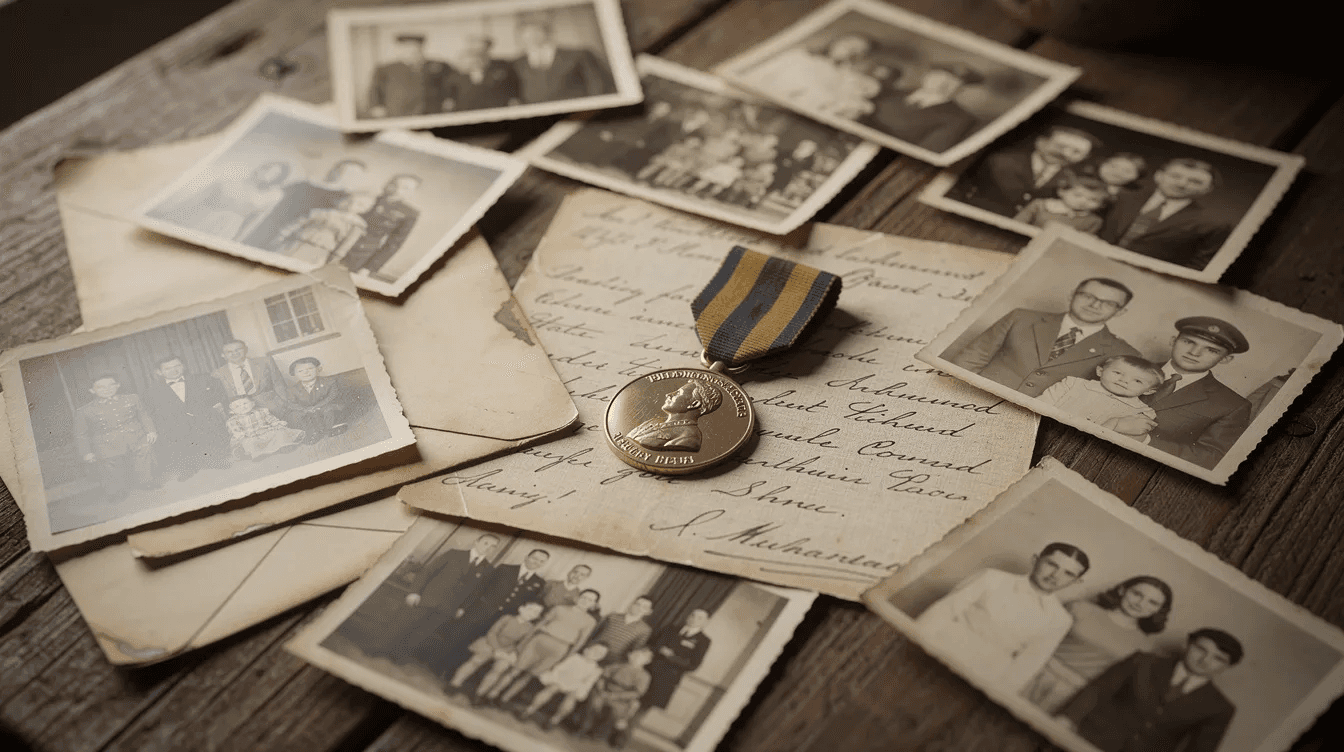
Gather artifacts. A digital legacy video should include supporting materials like photographs and documents. Collect old family photos from the 1950s through 1990s, letters, military medals, newspaper clips, a first paycheck stub, or business sale documents. Use old memorabilia to trigger memories during interviews; holding a father's war medal or a woman's wedding photo often unlocks stories that words alone cannot.
Brief participants. Set expectations with family members who will appear: what to wear, approximate recording time (two 60-minute sessions works well), and the key stories they may be asked to share. The storyteller should review the life timeline and main topics but avoid memorizing a script. Authenticity comes from a person talking naturally, not reciting lines.
Recording the Interview: Technical Basics Made Simple
This is a checklist-style section for filming day.
Framing and stability. Position the camera at eye level. Use a tripod; handheld footage distracts viewers and ages poorly. Frame the subject using the rule of thirds, with slight space above the head and an uncluttered background.
Audio first. Audio quality is crucial; viewers tolerate poor video but not inaudible speech. Use a good microphone for clear audio in legacy videos. Clip a lavalier mic to the storyteller's collar, run a 30-second test clip, and listen through headphones before recording the real interview. If the room echoes, add soft furnishings (blankets, pillows) to absorb sound.
Recording in segments. Record in short segments of 10 to 20 minutes with brief breaks. Label each clip by topic: "Childhood_Pittsburgh_1960s.mp4," "BusinessSale_2019.mp4." This labeling saves hours in editing.
Interviewer conduct. Maintain eye contact. Let silences breathe. Allow interviewees time to pause before answering questions; the most meaningful stories often surface after a few seconds of quiet reflection. Listen more than you talk.
Structuring and Editing the Legacy Video Into a Coherent Story
Editing shapes the narrative and highlights impactful moments. You do not need to be a film professional to produce a coherent final video.
Opening segment. Start with the storyteller introducing themselves: full name, birth date, birthplace, and a brief summary of their life. This gives future viewers an anchor even if they know nothing about the person.
Chapter structure. Group clips into chapters:
Chapter 1: Early Years (1945-1963)
Chapter 2: Building a Family (1970-1995)
Chapter 3: Business, Calling, and Stewardship
Chapter 4: Lessons and Hopes for Future Generations
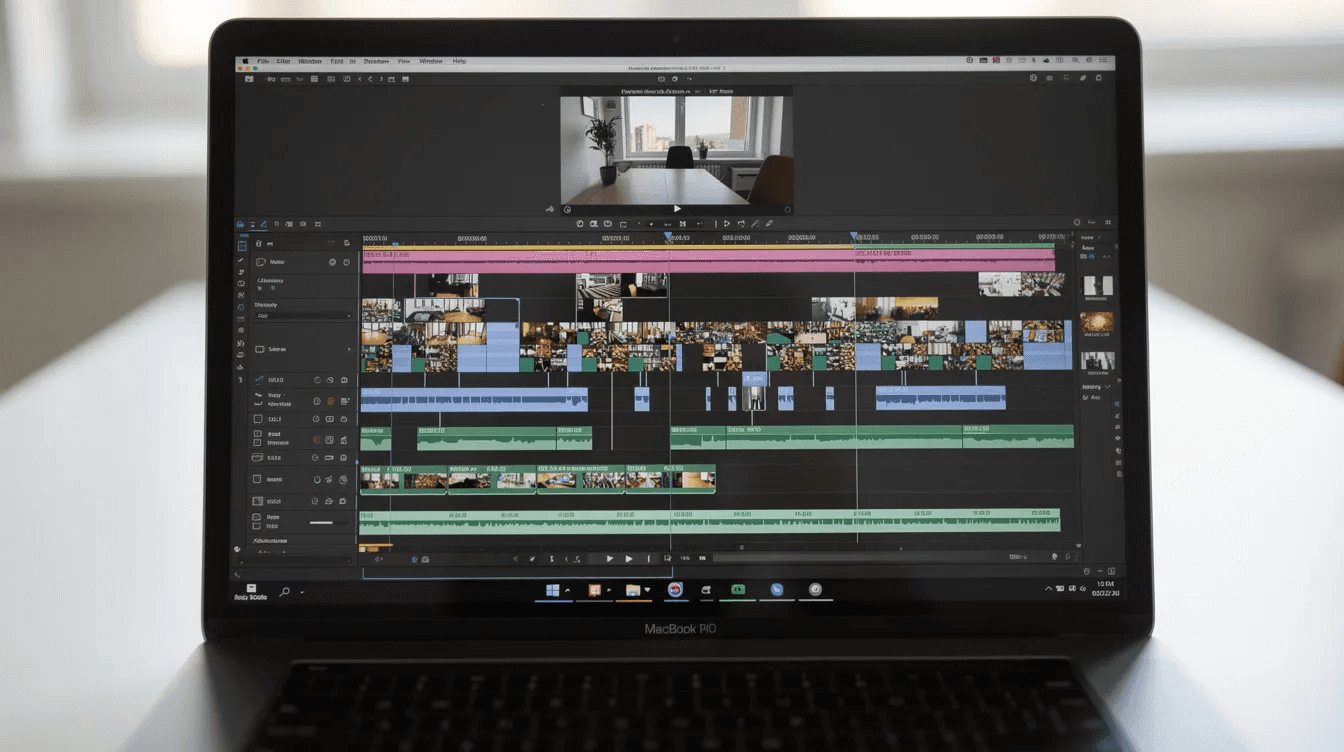
Visual enhancements. Use family photos to enhance the storytelling in videos. Lay scanned photos or documents over the audio when the storyteller references a specific event. Add lower-third titles with names and dates. Keep transitions simple; a crossfade or cut is sufficient.
Music and subtitles. If music is used, keep it gentle and low enough that it does not overpower dialogue. Add subtitles so future family members watching decades later, possibly with hearing challenges, can follow every word through to the conclusion of the video.
Software options. Final Cut Pro is a professional editing software option for Mac users. Editing software can also be found online for free or low cost; DaVinci Resolve offers a free version with professional-grade tools.
Connecting Your Legacy Video to Your Estate and Wealth Plan
A legacy video is most powerful when it sits alongside formal estate and financial planning documents. Families who record a specific segment explaining the values behind their will, trusts, and charitable giving give heirs context that legal language alone cannot provide.
Some families use the video to explain major estate decisions: why certain charitable gifts were chosen, why a family business was sold, or how an inheritance should be stewarded with biblical wisdom. For example, a business owner or company president may explain on camera why a succession plan changed or why a sale was the right choice for the family. A father explaining on camera why he set up an irrevocable trust for asset protection provides clarity that a legal document written in law jargon does not.
Consider recording a segment where you discuss your investment philosophy, your approach to tax-efficient charitable giving, and your expectations for how the next generation will handle the transference of wealth. Third Act Retirement Planning can help integrate the legacy video concept into a broader legacy plan that includes trusts, tax planning, and clear instructions for family members.
Preserving and Backing Up Your Legacy Video for Future Generations
According to the International Association of Sound and Audiovisual Archives, all content on magnetic media should be digitized within 10 to 15 years, and playback equipment for older formats is already becoming scarce. About 50 million U.S. households still own at least one unprocessed analog tape. Do not let your new legacy video follow the same path toward obsolescence.
Export format. Videos should be exported in widely supported formats like MP4 (H.264 or H.265) for future usability. Maintaining the highest quality original footage is important for archival purposes; keep a lightly compressed master file (ProRes or DNxHD) alongside the MP4 version.
The 3-2-1 backup rule. The 3-2-1 backup rule recommends keeping three copies of a digital file on two media types with one offsite. In practice:
External SSD stored at home
Second hard drive in a safe deposit box or a family member's house
Secure cloud storage with geo-replication (Google Drive, Backblaze, or similar)
Refresh schedule. Preservation of digital files requires periodic checking and migration to new technology. Replace backup drives every five years. Test playback of stored files annually. The U.S. National Archives recommends storing archival media at 50-65°F and 30-40% relative humidity.
Metadata and documentation. Documenting metadata enhances the understanding of video content for future generations. Create a "Legacy Video Info" document listing file names, storage locations, passwords, codec details, and viewing instructions. A legacy package may include video, transcript, photographs, and written context. Store this document with the estate planning binder, wills, and trust documents. Clients can authorize their financial advisor or estate attorney to hold a reference copy so the legacy video does not get lost during the transition of wealth.
Sharing the Legacy Video With Family Members and Future Viewers
Sharing thoughtfully turns the legacy video into a unifying family event rather than just another file on a hard drive. Legacy videos preserve the stories and wisdom of loved ones, and they become treasured heirlooms for future generations when presented with care.
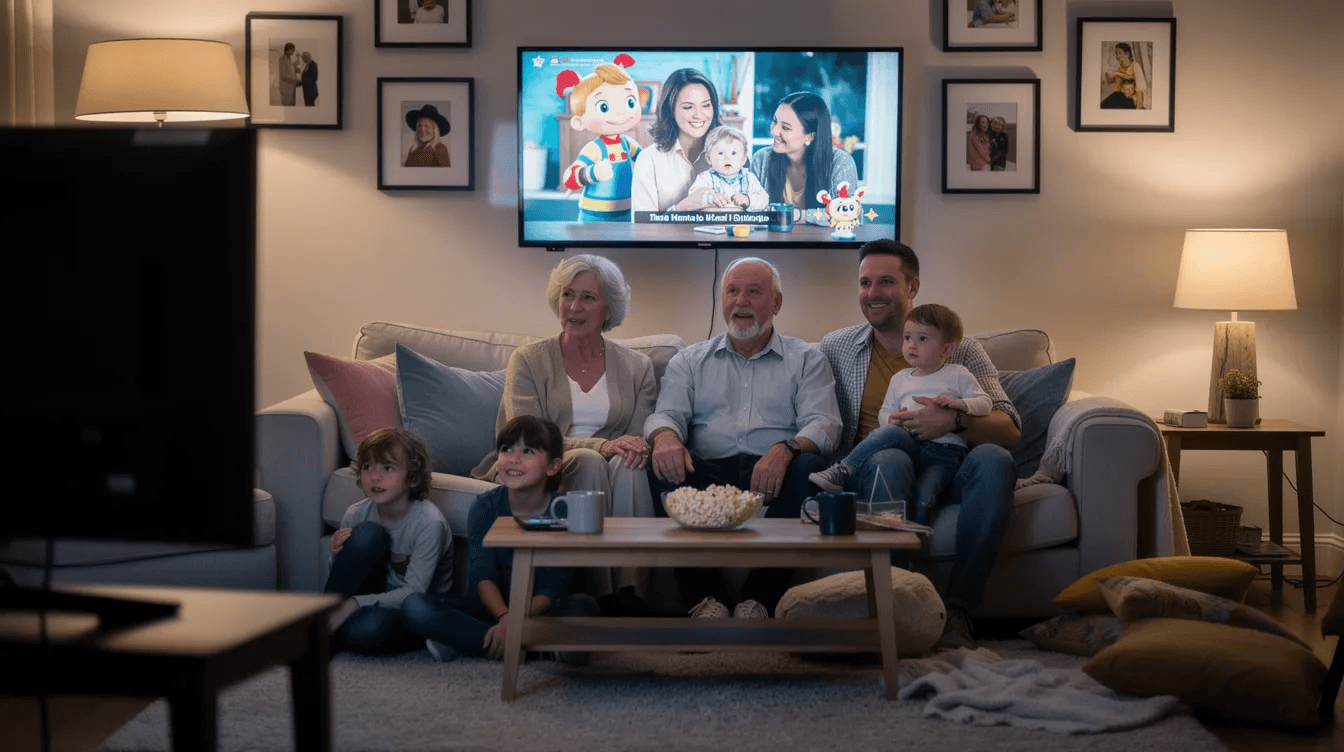
Select a special occasion for the big reveal of your video. A Thanksgiving dinner, a milestone birthday, or a family reunion gives multiple generations a reason to gather around a screen and watch together. The viewing itself often triggers new stories and conversations.
For digital sharing, use password-protected links on platforms like Vimeo (private settings) or encrypted USB drives mailed to adult children. Label copies by date: "Legacy Video; Recorded June 2026; Version 1.0." Include a brief written note explaining the context and the storyteller's hopes for those watching in the future.
Updating, Expanding, and Making Legacy Videos a Family Tradition
A legacy video is an ongoing project, not a one-time task. Revisit the footage every five to ten years or after major life events: retirement, the arrival of new grandchildren, a significant charitable commitment, or a business sale.
Encourage younger family members to join the process. Have teenagers or adult children record short clips about their own life and reflections. Over a decade, these segments build a multi-generation archive that no written history can match. Imagine your grandchildren in 2060 watching not just your stories but also the stories of their parents, recorded at the same age they are now.
Families working with Third Act Retirement Planning can align periodic video updates with financial plan reviews, making sure both the money and the meaning behind it stay current for future generations.
When to Seek Professional Help
Some families benefit from professional support on both the video production and financial planning sides.
Hire a professional videographer when:
The storyteller is elderly and has limited energy for retakes
Family history is complex, spanning multiple events, countries, or generations
The family wants a polished film with professional lighting, editing, and a production team
Bring in a fee-based financial advisor when:
You have received an inheritance and need guidance on what to do after receiving a large inheritance
A business sale or legal settlement has created sudden wealth that needs coordinated estate planning
You want to pair tax planning, charitable giving, and trust structures with a personal legacy video in one coherent plan
A wonderful legacy video paired with a well-structured estate plan is a gift no amount of money alone can match. If you want help turning a financial windfall and a legacy video into a cohesive plan for the present and for future generations, sign up for a discovery call with Third Act Retirement Planning. The best time to record was ten years ago. The second-best time is this month.